10 Microsoft 365 Secure Score Actions Every Admin Should Tackle
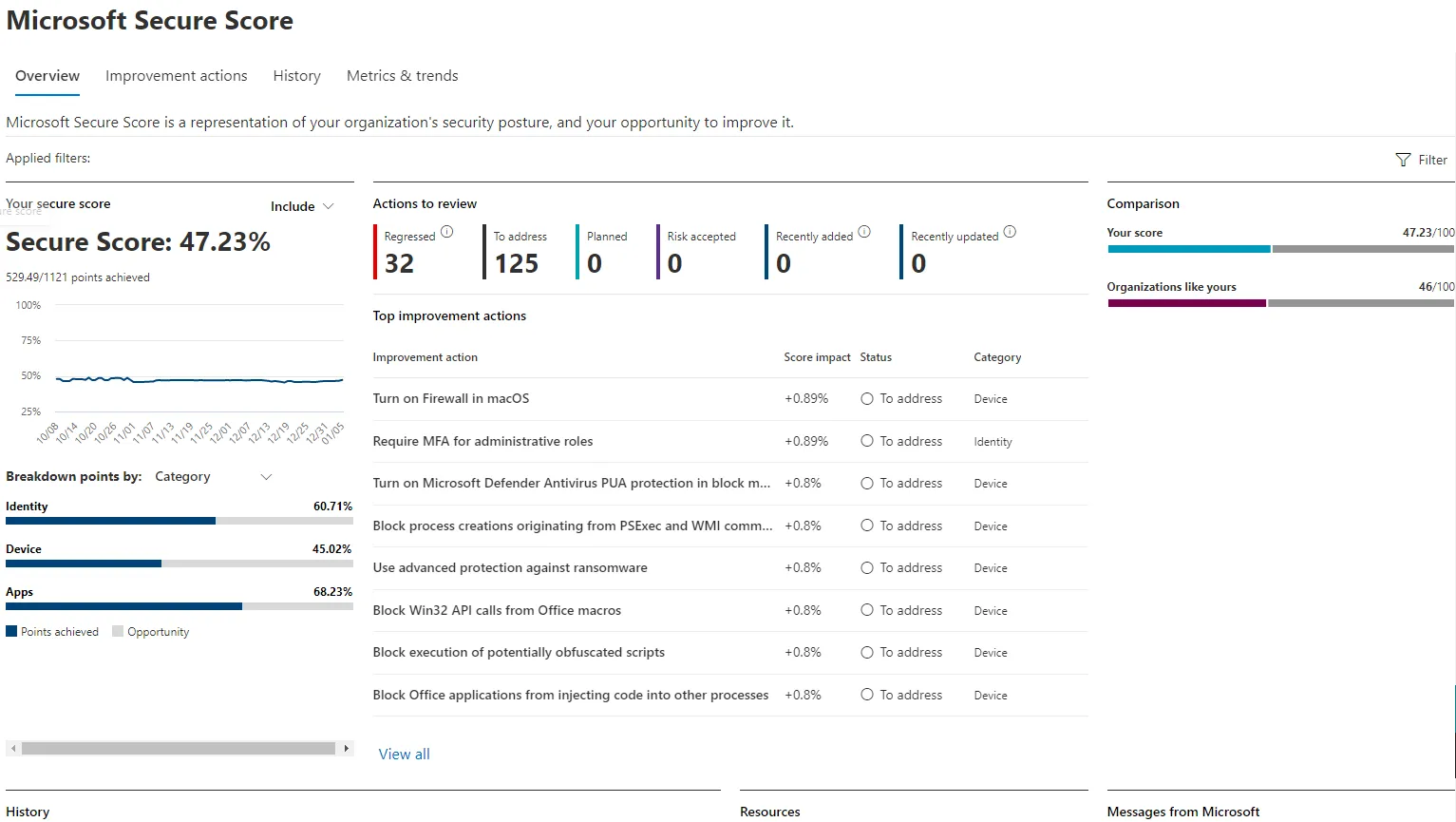
Microsoft Secure Score is one of the most underused yet powerful tools inside the Microsoft 365 ecosystem. It provides a quantified view of your organization's security posture — and better yet, tells you what to fix.
At Techatix™, we break down 10 Secure Score actions that every Microsoft 365 admin should regularly review and implement to keep your environment secure, compliant, and resilient.
🔒 1. Require MFA for All Users
Impact: High
Why: Prevents 99.9% of identity-based attacks.
Enable MFA using Conditional Access policies or security defaults in Azure AD.
🛡️ 2. Block Legacy Authentication
Impact: High
Why: Legacy protocols bypass MFA.
Disable IMAP, POP, and SMTP AUTH unless specifically needed — attackers often target these first.
🧑💻 3. Review Admin Role Assignments
Impact: Medium
Why: Least privilege = least risk.
Check Azure AD roles and remove unused global admin or privileged roles.
📥 4. Set Up Alert Policies
Impact: Medium
Why: Real-time alerts mean faster response.
Use Microsoft Purview or the Security & Compliance Center to monitor risky logins, mailbox forwarding, and more.
🗂️ 5. Enable Mailbox Auditing
Impact: Low
Why: Visibility is everything.
Make sure mailbox auditing is turned on for all users — especially admins and executives.
✅ 6. Protect Against Malware in Email
Impact: High
Why: First line of defense.
Use anti-malware and anti-phishing policies in Defender for Office 365.
🔄 7. Configure Session Timeout Policies
Impact: Medium
Why: Prevent session hijacking.
Set idle session timeouts in SharePoint, Teams, and Outlook Web Access.
🏷️ 8. Apply Sensitivity Labels
Impact: Medium
Why: Protect data at rest and in motion.
Use Microsoft Purview to classify and protect business-critical data.
🔑 9. Require Password Expiration or Enforce Strong Passwords
Impact: Low/Medium
Why: Reduces brute force risk.
Use Microsoft 365 password protection policies — or better yet, go passwordless using FIDO2 keys.
🚪 10. Review Guest Access Settings
Impact: High
Why: External users = external risk.
Limit guest access in Teams, SharePoint, and Azure AD. Remove stale guest accounts monthly.
💡 Final Thoughts
Secure Score isn’t just a number — it’s a living checklist of best practices. These 10 actions are a great place to start, but your Secure Score dashboard will tailor recommendations to your specific environment.
✅ Pro Tip: Bookmark your Secure Score dashboard:
https://security.microsoft.com/securescore
Need Help Improving Microsoft 365 Secure Score?
Techatix helps organizations build a security-first Microsoft 365 deployment that is efficient, compliant, and resilient.
Contact UsWant More?
Check out our Microsoft 365 Admin Center Monthly Checklist for a broader maintenance strategy.
Stay Connected
📩 Subscribe for hands-on guides, best practices, and real-world Microsoft 365 tips — powered by Techatix™.
#Microsoft365 #SecureScore #CyberSecurity #MFA #Office365 #Techatix™Tips